See every PR, review request, and blocker across every repo your team owns — in one screen that refreshes itself.
macOS app available — more platforms coming soon.
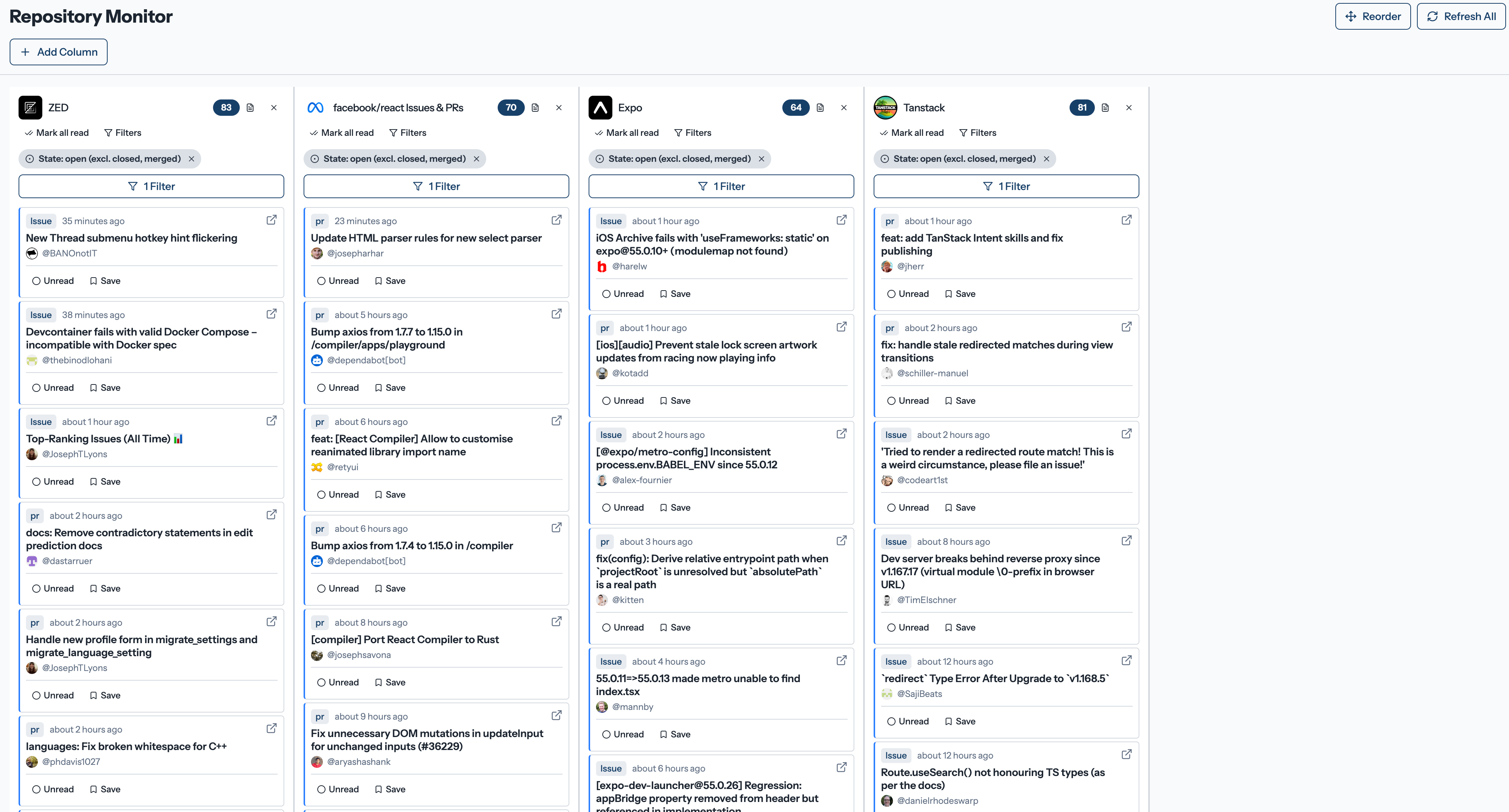
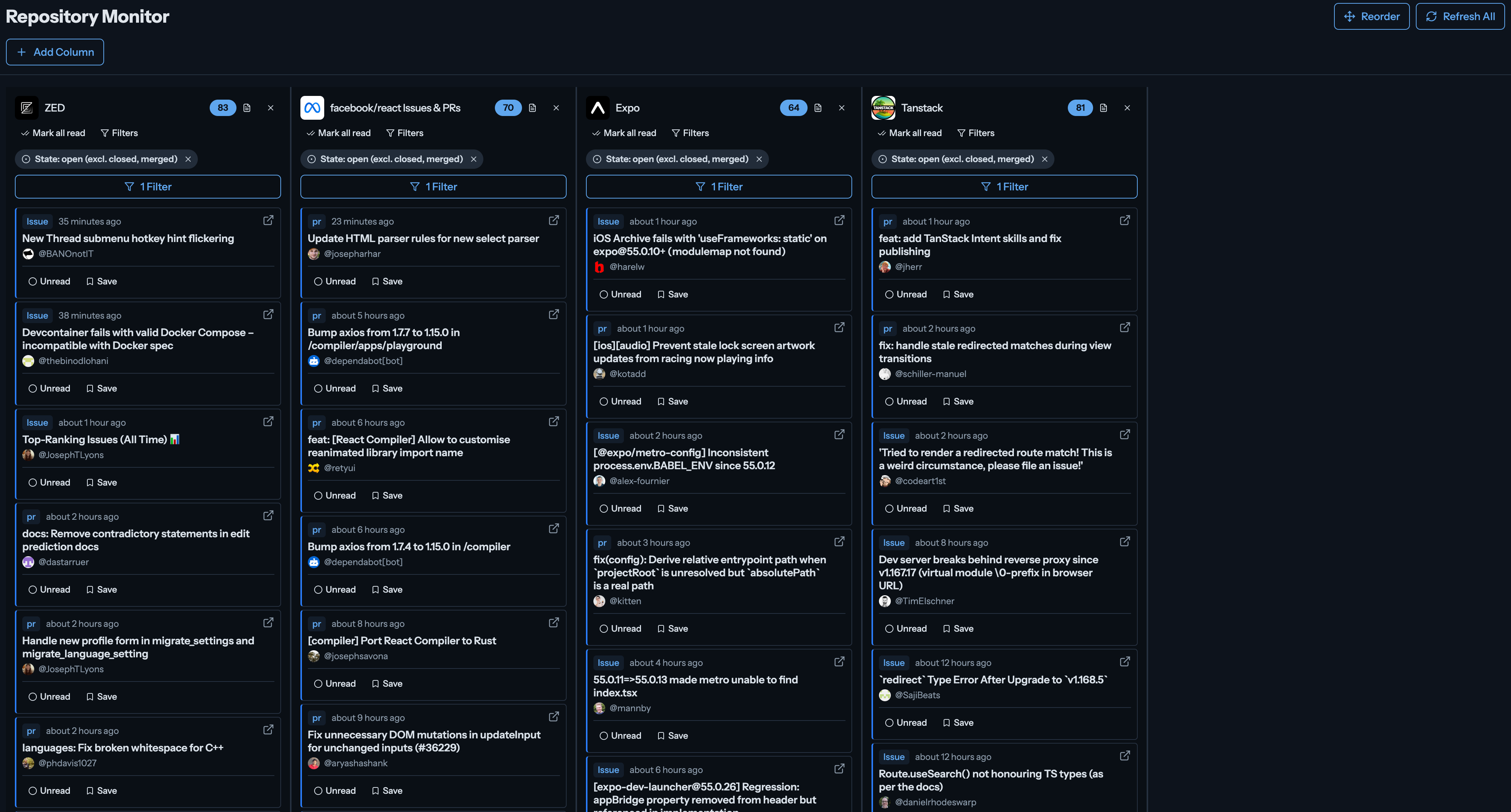
We were bouncing between 12 browser tabs to triage PRs across four repos. GitHub's notification inbox was a flat list of noise. We built Team Deck for ourselves — and now we use it every morning standup.
Before & After
Without Team Deck
With Team Deck
Features
Built for tech leads who own multiple repos and need to see everything at once — without opening a dozen tabs.
TweetDeck-style layout lets you monitor any combination of repos, notifications, and activity feeds side-by-side. Drag columns to reorder. Each column remembers your filters.
Add an Organization column to watch all public (or private, with the right token) activity from your team's GitHub org in one place.
Columns auto-refresh every 60 seconds so your dashboard always reflects the latest state of your repos — no manual refresh required.
Filter by label, assignee, author, state, and more. Filters are saved per column so your custom views persist across sessions.
Export your activity data and reports as PDF for sharing with managers or Markdown for dropping into your wiki. Your data, your format.
Column types
Mix and match column types to build the perfect dashboard for your workflow. Each column is independently configurable with its own filters and refresh settings.
Your work items and mentions
One per account
Activity feed from your network
One per account
FAQ
Stop context-switching. Start shipping. Set up your dashboard in minutes and never lose track of your team's work again.
No credit card. 2-minute setup.
 Team Deck